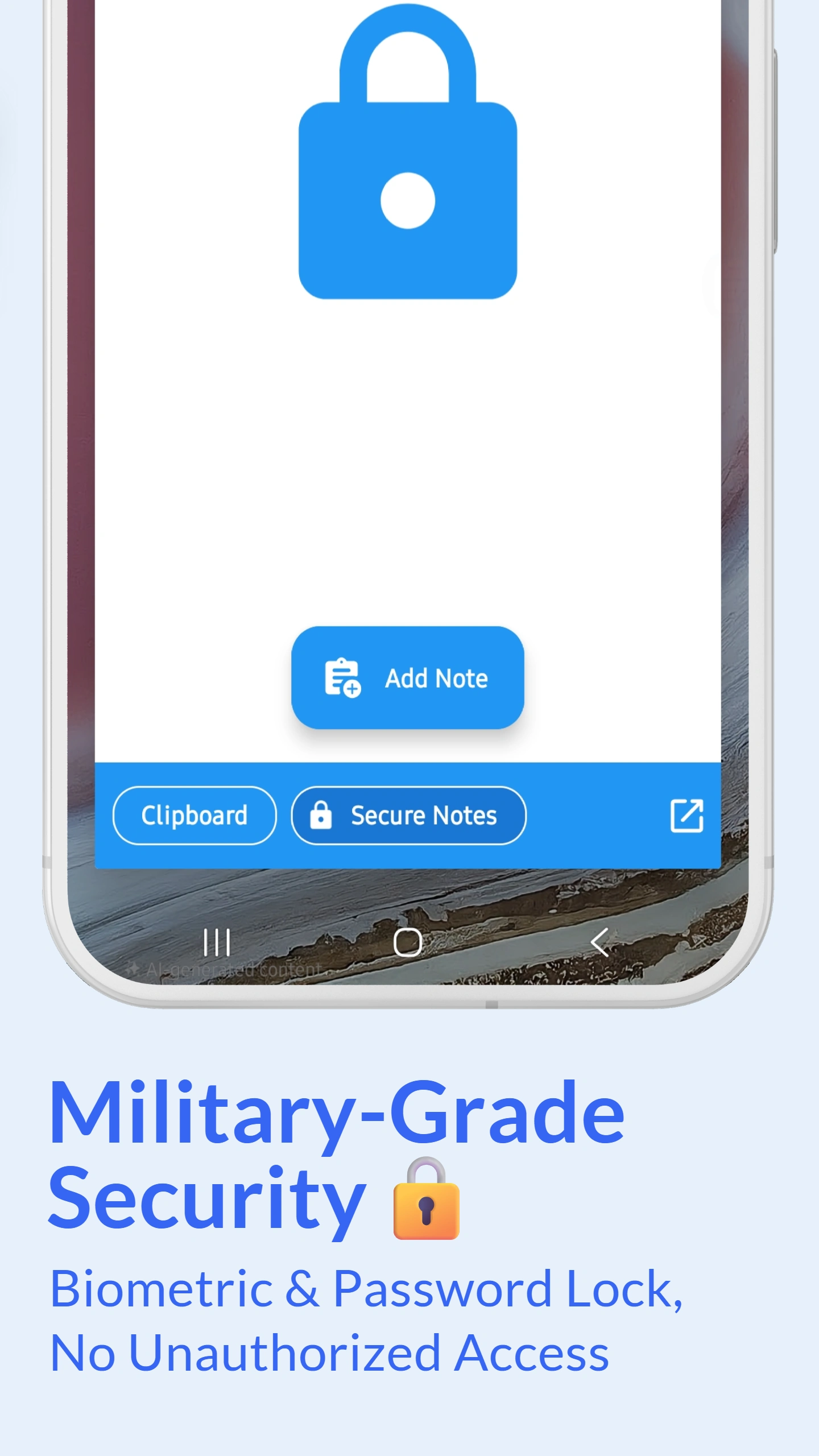
Password & Fingerprint Authentication
Protect your clipboard with password and fingerprint authentication. Enable lock screen security to prevent unauthorized access to your clipboard history. Once enabled, users must authenticate before viewing, editing, or accessing any saved clips.
Choose from multiple authentication methods: PIN code, pattern lock, password, or biometric fingerprint. The app supports Android's native biometric authentication for maximum security and convenience. Your clipboard remains locked even if someone else uses your phone.
Combined with automatic saving, you get both convenience and security - everything is captured automatically but protected from prying eyes.
Military-Grade AES-256 Encryption
Enable AES-256 encryption for your clipboard data. This military-grade encryption ensures that even if someone gains physical access to your device storage, your clipboard content remains completely unreadable without authentication.
Encrypted clips are stored securely in an encrypted database. Cloud backups (if enabled) use end-to-end encryption during transmission and storage. Your encryption keys are derived from your authentication credentials and never leave your device.