Split-Screen Sharing Mode
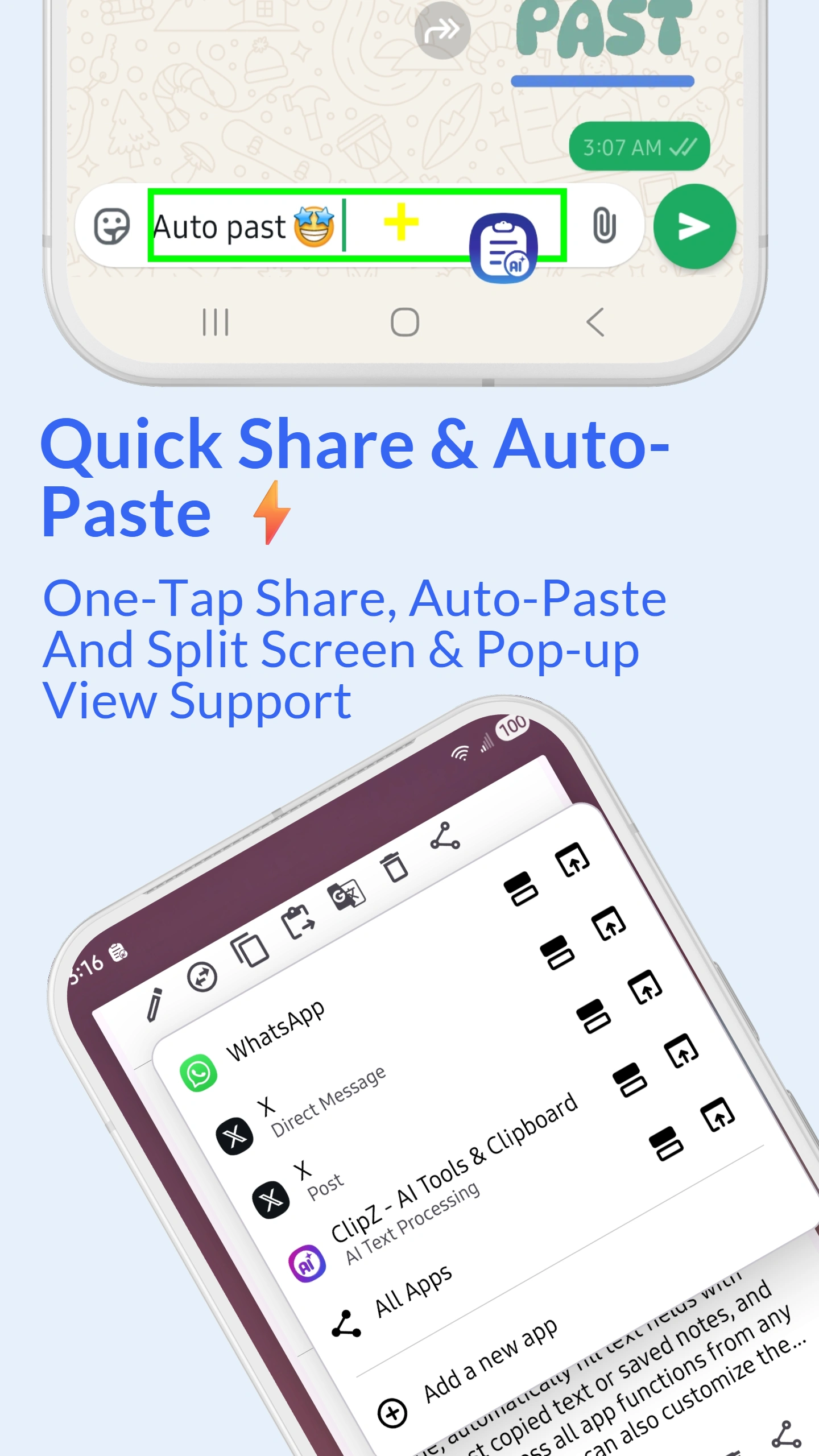
Enable split-screen mode for seamless sharing. ClipZ opens your target app in split-screen while keeping the clipboard visible in the other half. See both your clipboard content and destination app simultaneously, making it easy to share multiple clips without switching screens.
Perfect for sharing multiple items quickly. Copy several clips, open split-screen with WhatsApp, and send them one by one without closing ClipZ. Works with all apps that support Android split-screen functionality.
Pop-up Window Mode
The pop-up window mode opens apps in a floating window over your current screen. Share content without leaving your current app. The pop-up window can be moved, resized, and minimized. Perfect for quick sharing while maintaining your current workflow.
Especially useful when reading articles, browsing, or working in full-screen apps. Share without interrupting your current task. The pop-up stays on top until you close it or send the content.